March 5, 2025
How to use Express Mode
Learn how to process an order quickly and efficiently in Express Mode. This mode is ideal for counter-service situations where guests order and pay immediately.
Step-by-Step Guide
Tap Express at the top → starts a new order.
Choose Dine-in or Takeaway.
Add the desired items.
Go to Checkout.
Select the payment method; optionally add a voucher/discount.
Optionally assign a pager number or table (if enabled).
Tap Process Payment.
The system sends the order to the kitchen; a receipt prints for the guest.
💡 Tip:
Split payment is not supported in Express Mode.
Check out the resources below
What's next?
 Learn more
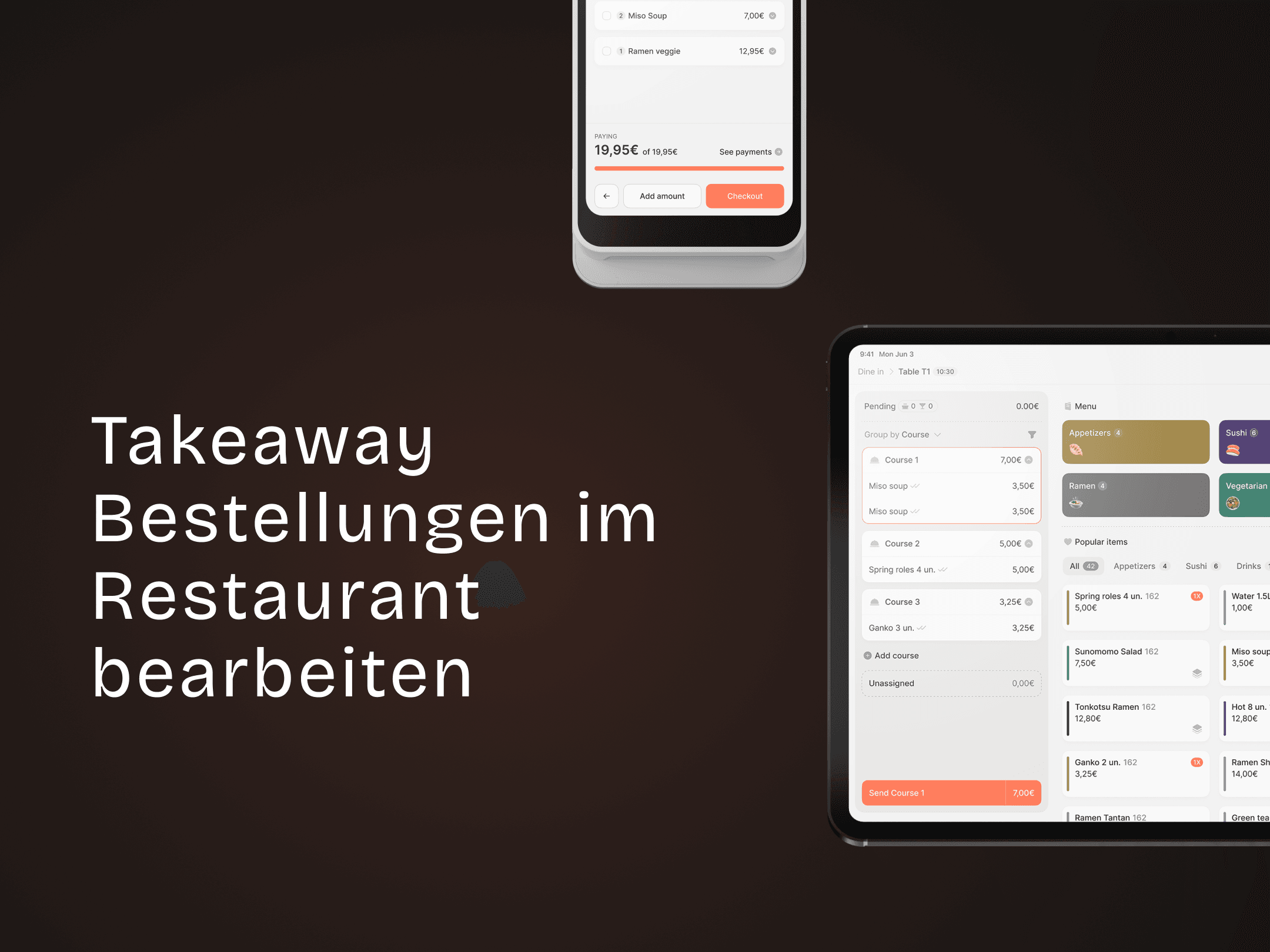
Takeaway
How to process takeaway orders in the restaurant
Take-Away: Create, manage, and complete orders quickly