March 5, 2025
How to process takeaway orders in the restaurant
Learn how to use the Take-Away section to create and manage pickup or delivery orders. You can set the pickup time, enter customer details, select items, and track the order. Once it’s ready, mark it as Ready for Pickup, and complete payment when the guest arrives.
Step-by-Step Guide
Go to the Take Away tab at the top.
Click New → create a Pickup or Delivery order.
Set the pickup time (e.g., as soon as possible or a specific time).
Select the date and add preparation time (can be adjusted later).
Optionally enter customer details and a phone number.
Open the menu, select the desired items, and start cooking.
The order will move to the Preparing status.
When ready → select the order → mark as Ready for Pickup.
When the guest arrives → go to Checkout, choose the payment method, and complete the order.
What's next?
 Learn more
Takeaway
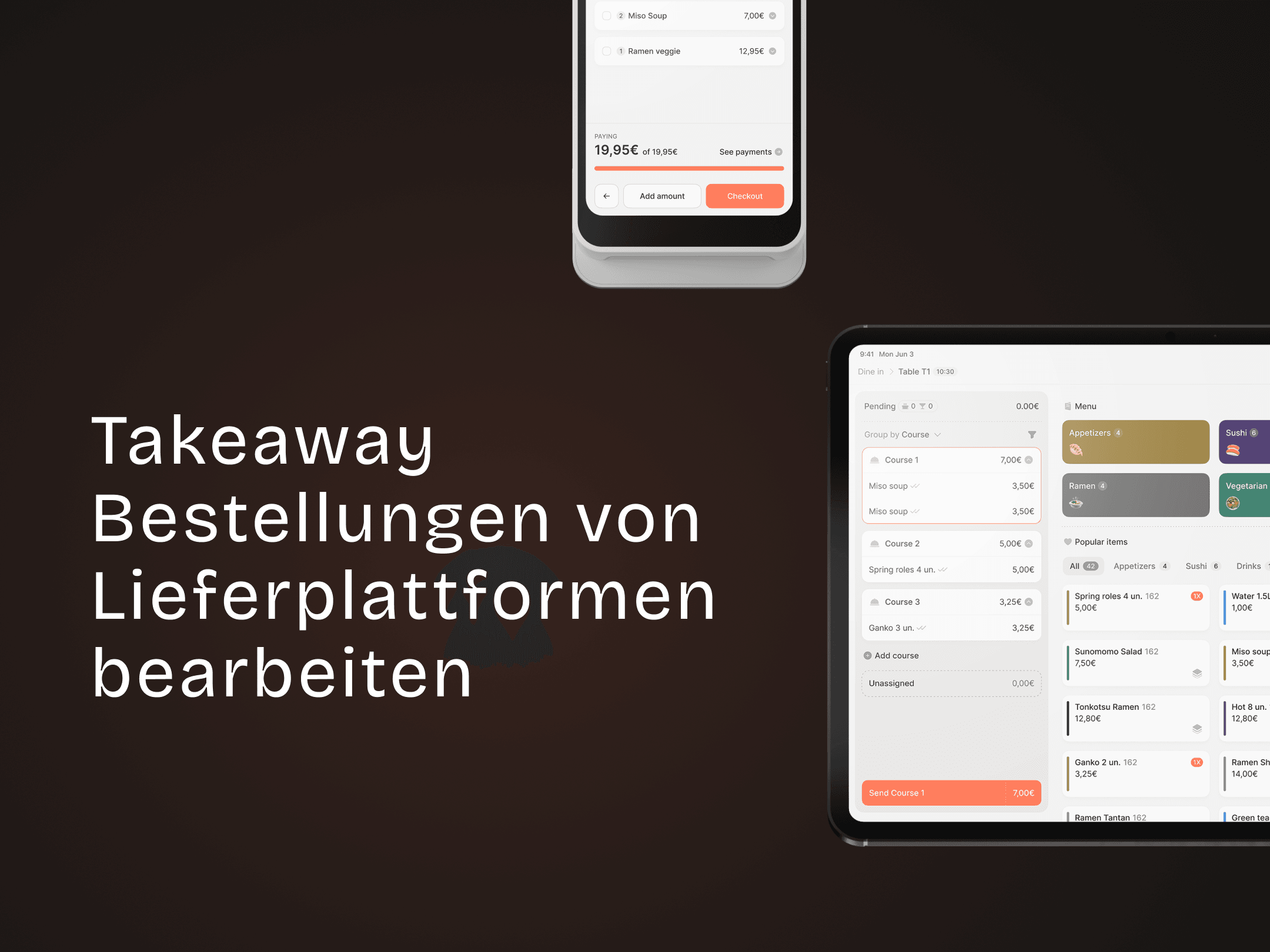
How to process delivery platform orders
Easily receive, process, and complete Take-Away orders — from Webshop, Lieferando, or Uber Eats.