March 5, 2025
How to process delivery platform orders
Learn how to handle Take-Away orders that come through online platforms. Orders can arrive from your Webshop or via delivery integrations like Lieferando or Uber Eats.
Step-by-Step Guide
A pickup order is created (e.g., Card payment).
The order appears in the Take-Away section as an upcoming order.
Orders may come from the Webshop, Lieferando, or Uber Eats.
In settings, enable Automatic Acceptance or accept manually.
To accept manually → tap the order → select Start Cooking.
The order is sent to the kitchen for preparation.
When ready → tap the order again → mark as Ready for Pickup.
When the guest arrives →
If not yet paid, go to Checkout, choose a payment method, and complete.
If already paid, simply mark as Completed.
The order will then disappear from the Take-Away board.
What's next?
 Learn more
Insights
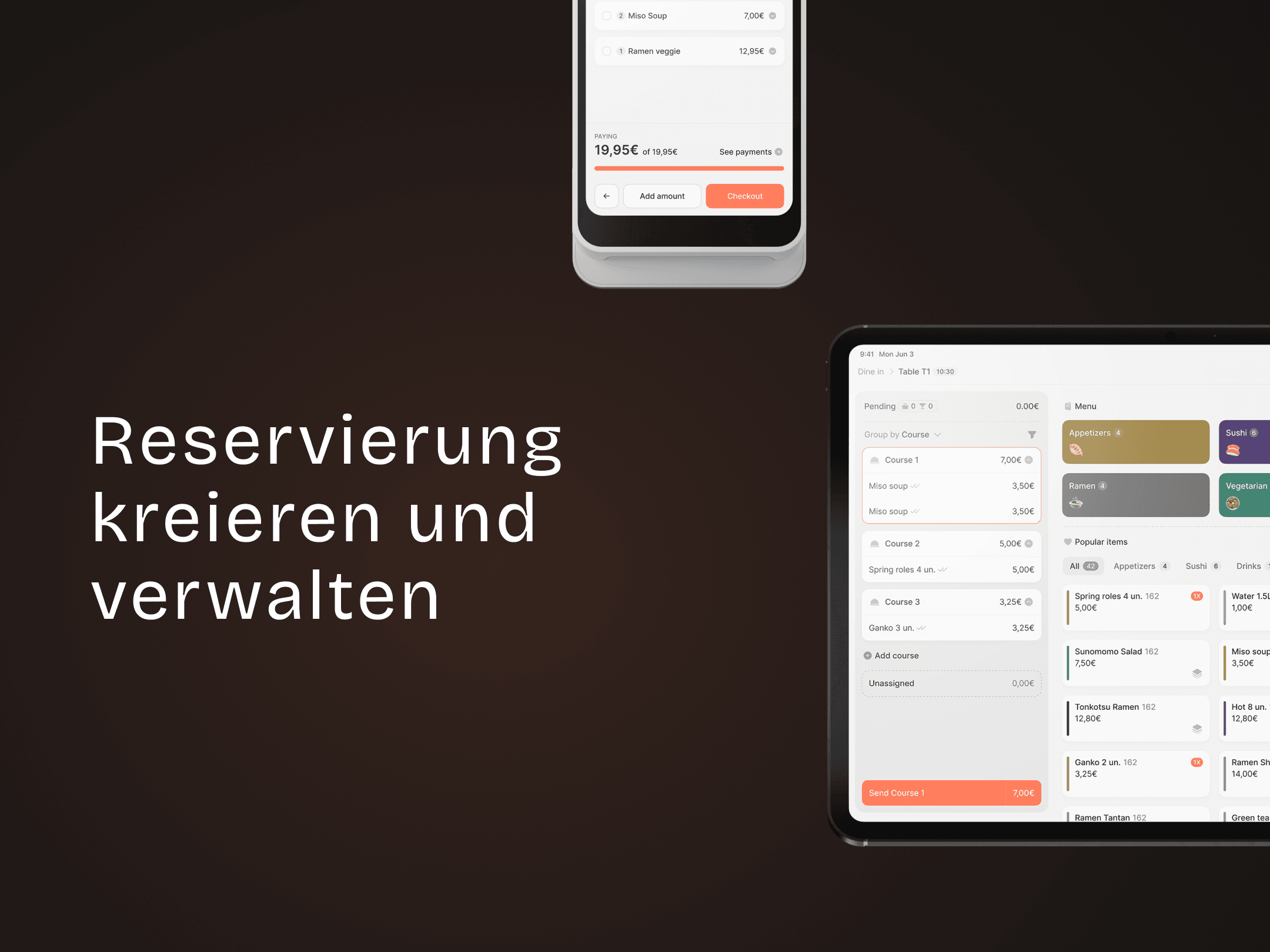
How to create and manage reservation
Easily create, manage, and view reservations — all in one place.