March 5, 2025
How to Redeem a Third-Party Voucher at Checkout
Learn how to accept and redeem third-party vouchers — such as Sodexo, Edenred, or other partner cards — during checkout on your allO Go device.
Step-by-Step Guide
1. Open the Checkout
Go to the active table and tap Pay.
Select Gift Card / Customer Card as the payment method.
2. Choose the Voucher Type
Tap Other to open the list of external providers.
Select the correct third-party voucher, e.g.:
Sodexo
Edenred
Siedlercard
3. Enter the Voucher Amount
Enter the voucher value (e.g., €7.50).
Tap Confirm to apply it.
The voucher amount will automatically be deducted from the total bill.
The remaining balance (e.g., €18.50) can then be paid via another method (cash, card, etc.).
💡 Tip:
Third-party vouchers are treated like standard payment methods — they appear clearly in the transaction and on the receipt.
What's next?
 Learn more
Dine In
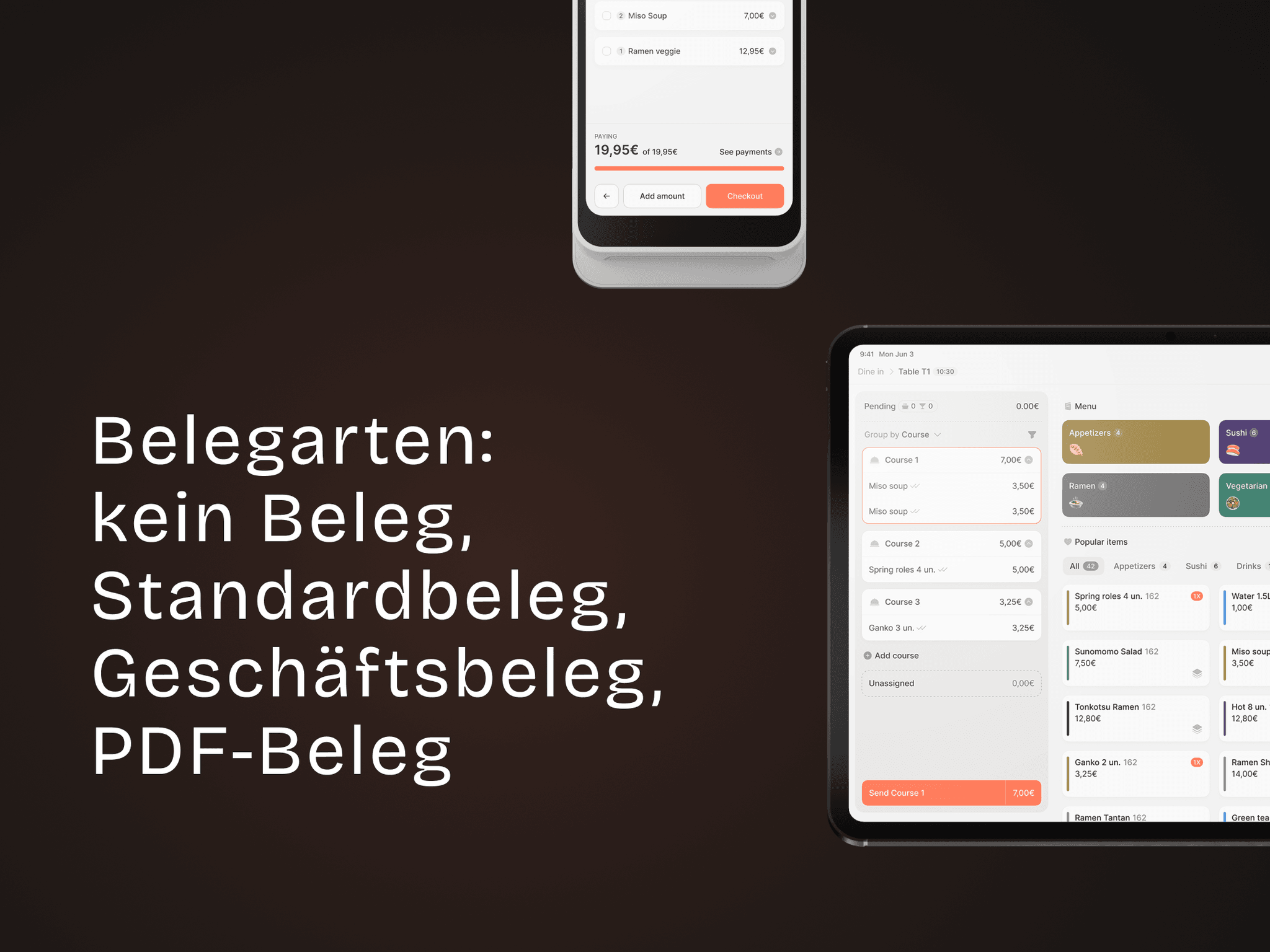
Receipt Types – No Receipt, Standard, Business, PDF
Learn the different receipt options and how to set a default type.