How to disable order confirmations in the order flow
Disabling order confirmations allows orders to be sent directly to the kitchen without asking for confirmation each time. This speeds up the ordering process and simplifies quick operations.
Step-by-Step Guide
Open Configuration Settings
Go to Settings → Restaurant Settings → Configuration.
Find Order Confirmation Option
In the configuration menu, look for Order Confirmation.
Disable the Confirmation Step
Turn off or uncheck the option Order Confirmation.
From now on, when you select items and press Order, they’ll go straight to the kitchen without a confirmation message.
💡 Tip:
This setting is ideal for fast-paced environments where speed and efficiency are essential.
Check out the resources below
What’s next?
 Learn more
Checkout
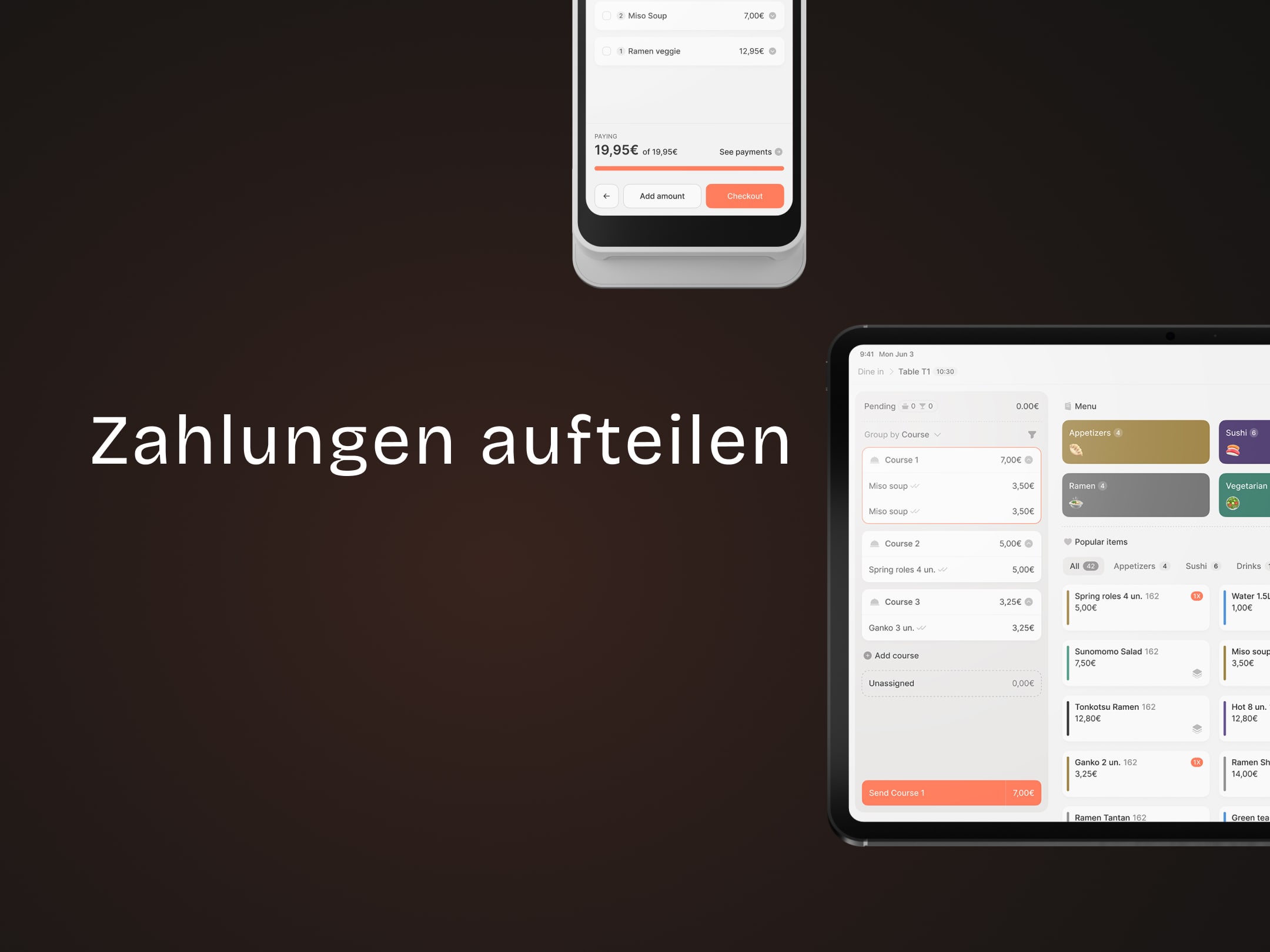
How to Split Payments
Let guests divide bills by item, share, or amount.