How to enable automatic closing in express mode
Enable automatic order closing in express mode to speed up checkout for quick-service or takeaway sales. Once payment is completed, the order closes automatically and the screen resets for the next customer.
Step-by-step guide
Open Express Order
Start an order in Express Mode (e.g., dine-in or takeaway).
Add the desired items.
Proceed to Checkout
Click Pay and choose a payment method (e.g., Cash).
Complete the payment.
Automatic Closing
After checkout, the order automatically closes — no further editing is possible.
You’ll return directly to the main screen, ready for the next transaction.
Use Case
Ideal for counter sales or takeaway service, where you don’t need separate preparation or delivery steps.
Express reorders can also be processed quickly from the same screen.
💡 Tip:
Automatic closing helps staff handle high-volume sales more efficiently without extra steps.
What’s next?
 Learn more
Checkout
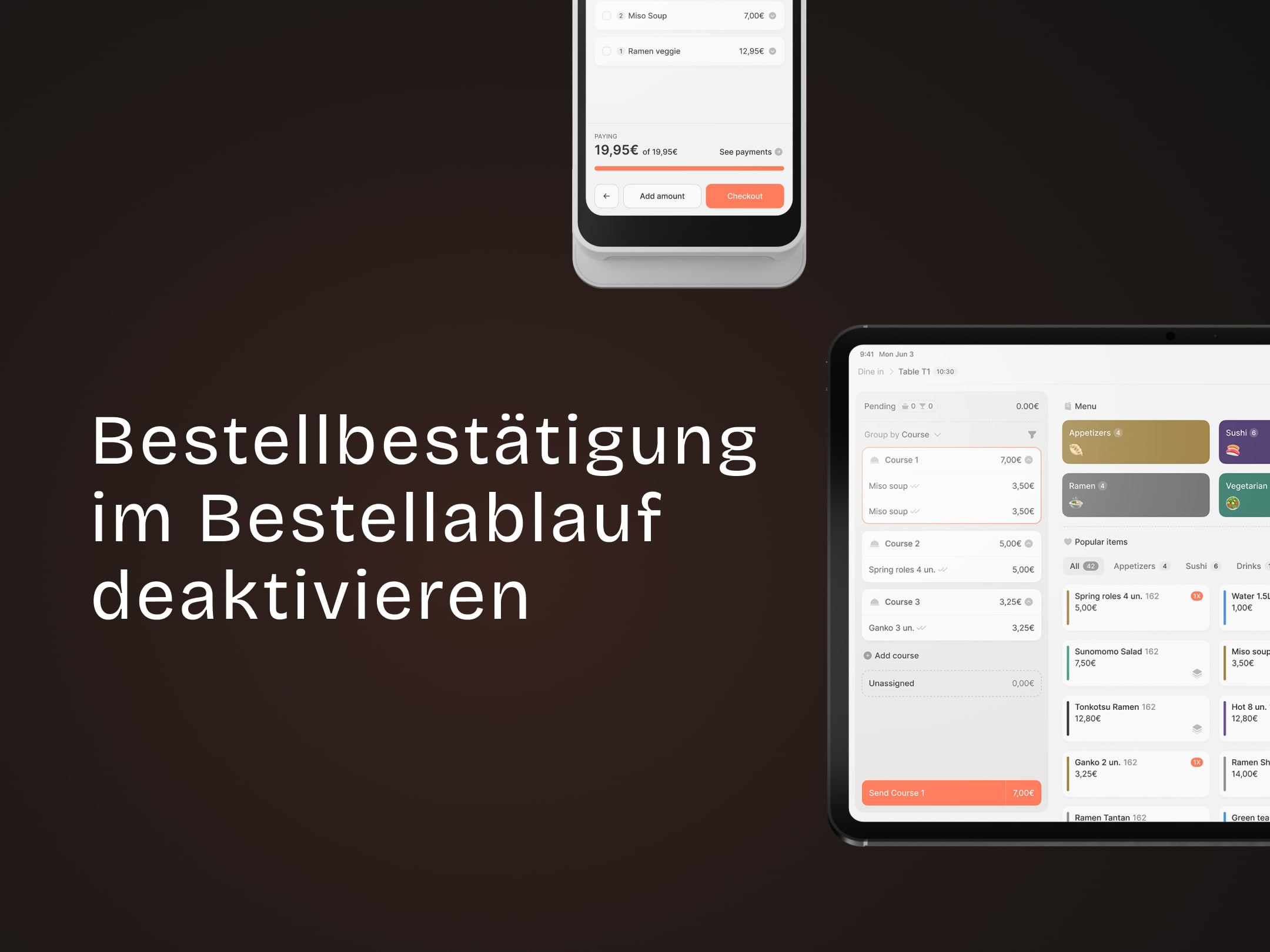
How to disable order confirmations in the order flow
Send orders straight to the kitchen without confirmation.