How to select and unselect items at checkout
This section explains how to enable or disable the printing of a final receipt after split payments, and how to set whether all items are automatically selected during check-out. These settings help customize the payment process to your restaurant’s workflow.
Step-by-Step Guide
Final Receipt for Split Payments
When a split payment is made, a separate receipt is generated for each partial payment.
By default, no final receipt for the total order is printed.
To enable printing of the final receipt as well:
Go to Management → Restaurant Settings → Configuration.
Activate the option for “Disable Final Reciept Printing for Split Payments”
A total receipt for the entire order will then also be generated.
Default Item Selection at Check-out
In the default Bronze mode, all items are automatically selected during check-out.
You can manually use “Select All” or “Deselect All” to adjust item selection.
To make sure no items are preselected by default at check-out:
Go to Management → Restaurant Settings → Configuration.
Disable the option “Select all Dine in checkout items”, so that nothing is selected when opening the check-out screen.
What’s next?
 Learn more
Checkout
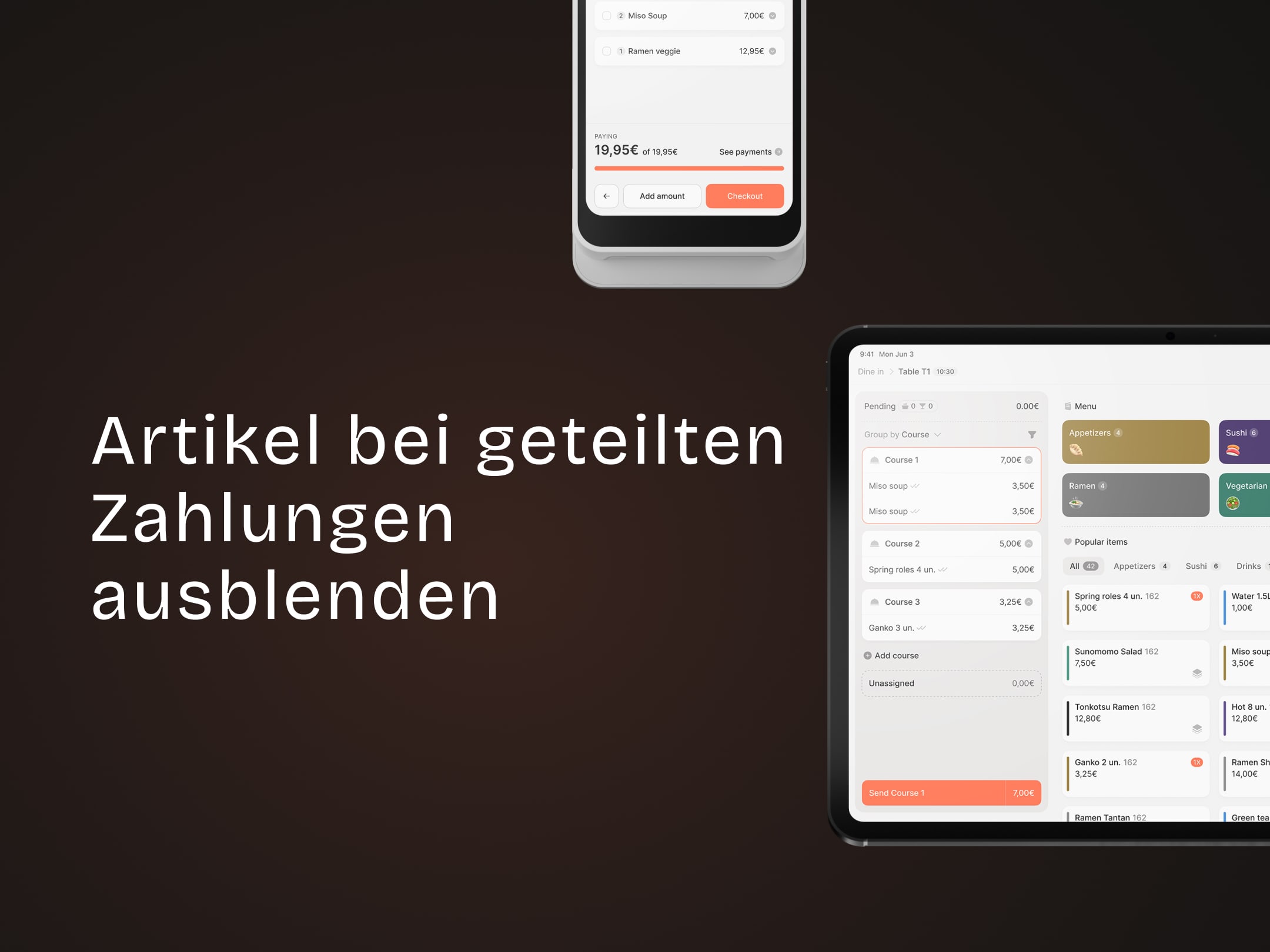
How to hide paid items during split payment
how to configure whether paid items are shown or hidden in the restaurant system.