How to set up payment methods
In the checkout configuration, you define which payment methods are available in your restaurant – for example, cash or invoices for larger events. You can also adjust additional checkout settings, especially for Express and Takeaway orders, such as enabling automatic closing.
Step-by-Step Guide
Open the menu in the top left corner.
Go to Settings → Restaurant Settings → Configuration.
Under Checkout, you can:
Select available payment methods (e.g. cash, invoice).
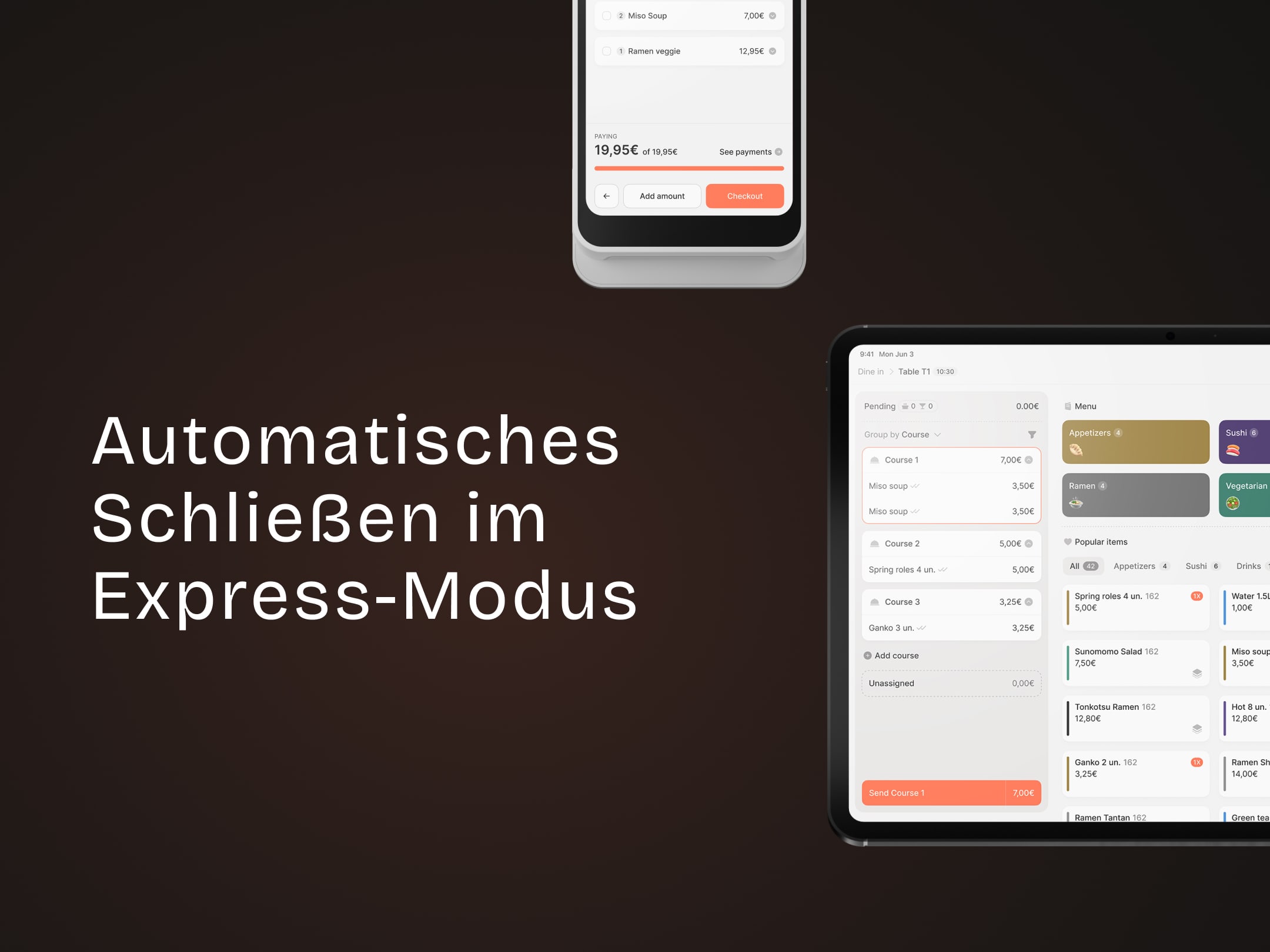
Enable automatic closing for Express and Takeaway mode.
To test automatic closing:
Create an Express order (“Dine in”).
Select Pay, choose cash payment.
Print a receipt and confirm the amount paid.
The order will automatically be closed.
In Express mode, after payment you return directly to the menu screen without having to reopen it.
💡 Tip: Automatic closing speeds up the process in Express operations and ensures a smoother checkout experience.
What’s next?
 Learn more
Checkout
How to enable automatic closing in express mode
Configure payment methods and enable automatic order closing for faster checkout.