Reconciliation reports: what they are and how they work
Reconciliation reports show how much cash a waiter collected, including total sales, real and declared tips, cash from gift card transactions, and the final cash amount to return.
They simplify daily closing and ensure transparency for both staff and management.
Step-by-Step Guide
Open the Reconciliation Report
Go to Reports → Daily Reports.
Select the desired waiter or staff member.
Print the Report
Click Print to generate the reconciliation report.
The report will show:
Cash sales
Declared and actual tips
Gift card payments made in cash
Total cash to return
Check and Close
The report helps the waiter know exactly how much cash to hand back and how much tip they keep.
Especially useful for restaurants that pay out tips daily in cash.
💡 Tip:
Using reconciliation reports daily ensures accountability and makes end-of-day balancing faster and more accurate.
What’s next?
 Learn more
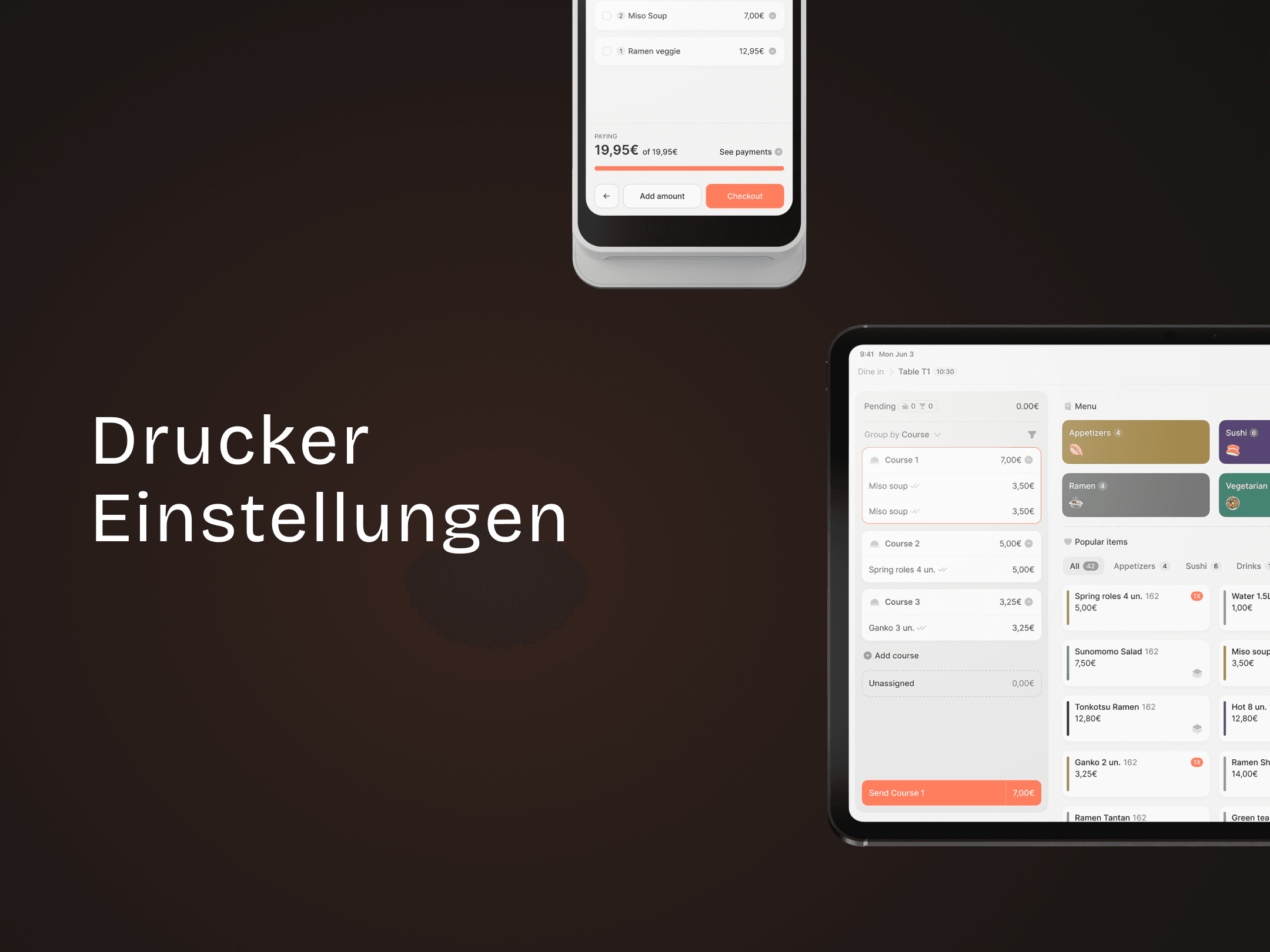
Printer settings
Configuration – Printer Settings
Set up printers by category, item, or extras for better order routing.